Sound In Motion for iPad
Big pads. Big screen. Big sound.
The iPad is the best Foley stage you'll ever own. Perform the whole scene with your hands while the picture plays.
The all-new app
Rebuilt for iPadOS.
The new Sound In Motion for iPad shares its engine with the Mac app: the same timeline, the same boards, the same sound.
landing/images/ipad/new-app.pngFootsteps
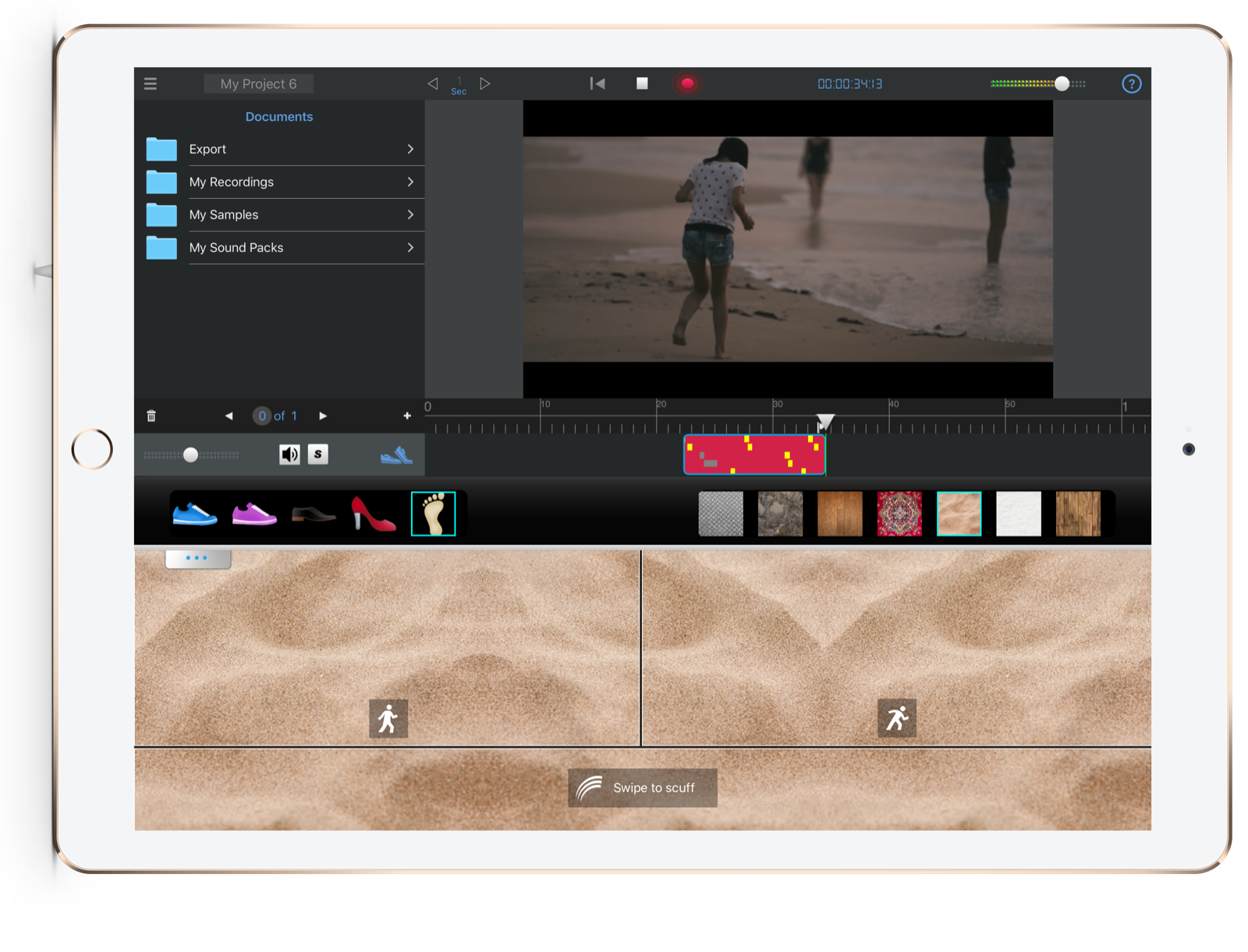
Walk with your fingers.
Footsteps used to be the most tedious job in sound. Now you walk your fingers across the board, in step with the actor.
Swords
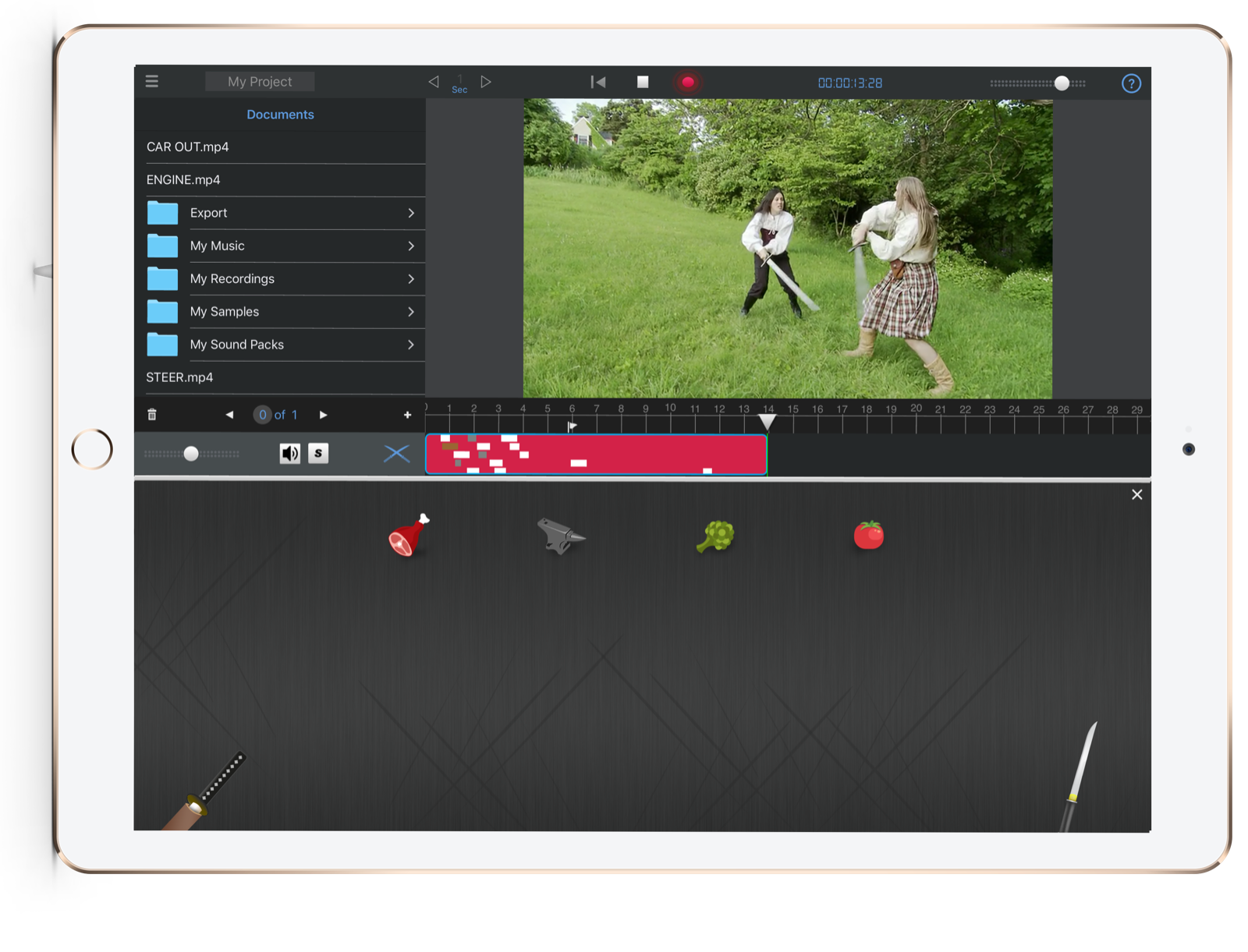
Sword fights, choreographed.
Swishes, impacts and scrapes that follow your hand — every hit a fresh take.
Rainstorm
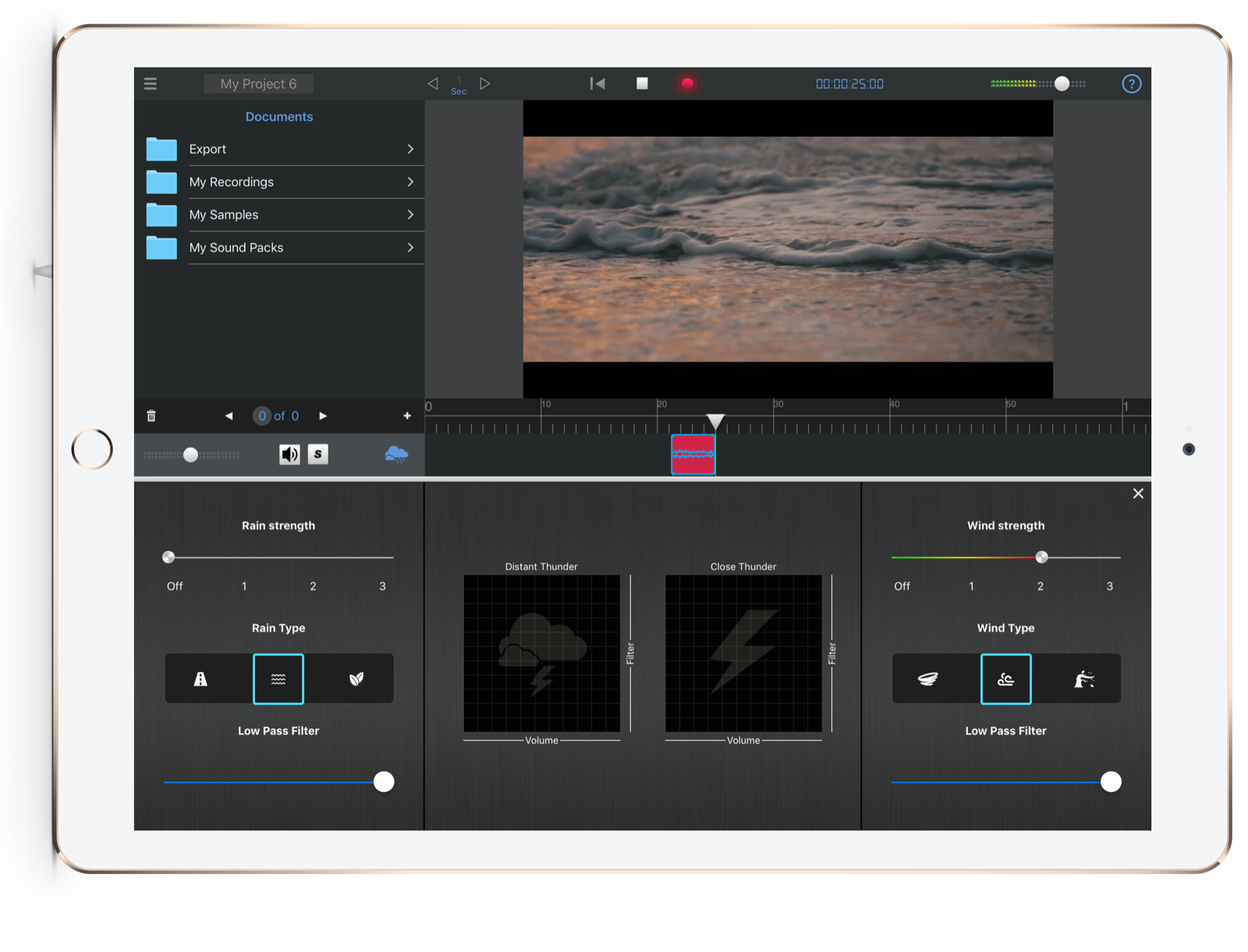
Make it rain.
Rain and wind generators plus a smart thunder maker. Dial in drizzle or a downpour, live.
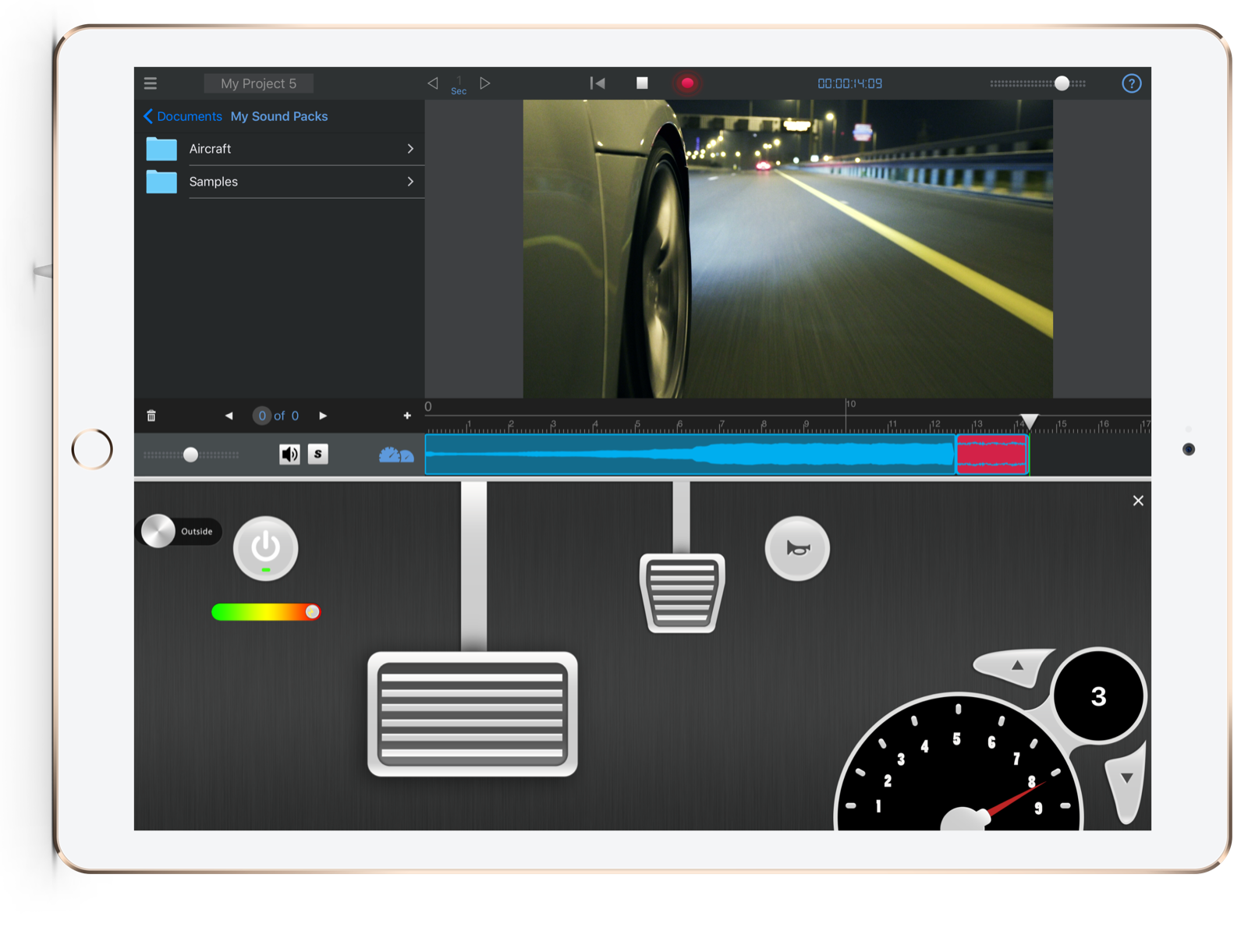
Vehicles
Floor it.
Press the gas pedal and the engine responds. Car scenes with real, performed engine sound.
Wave editor
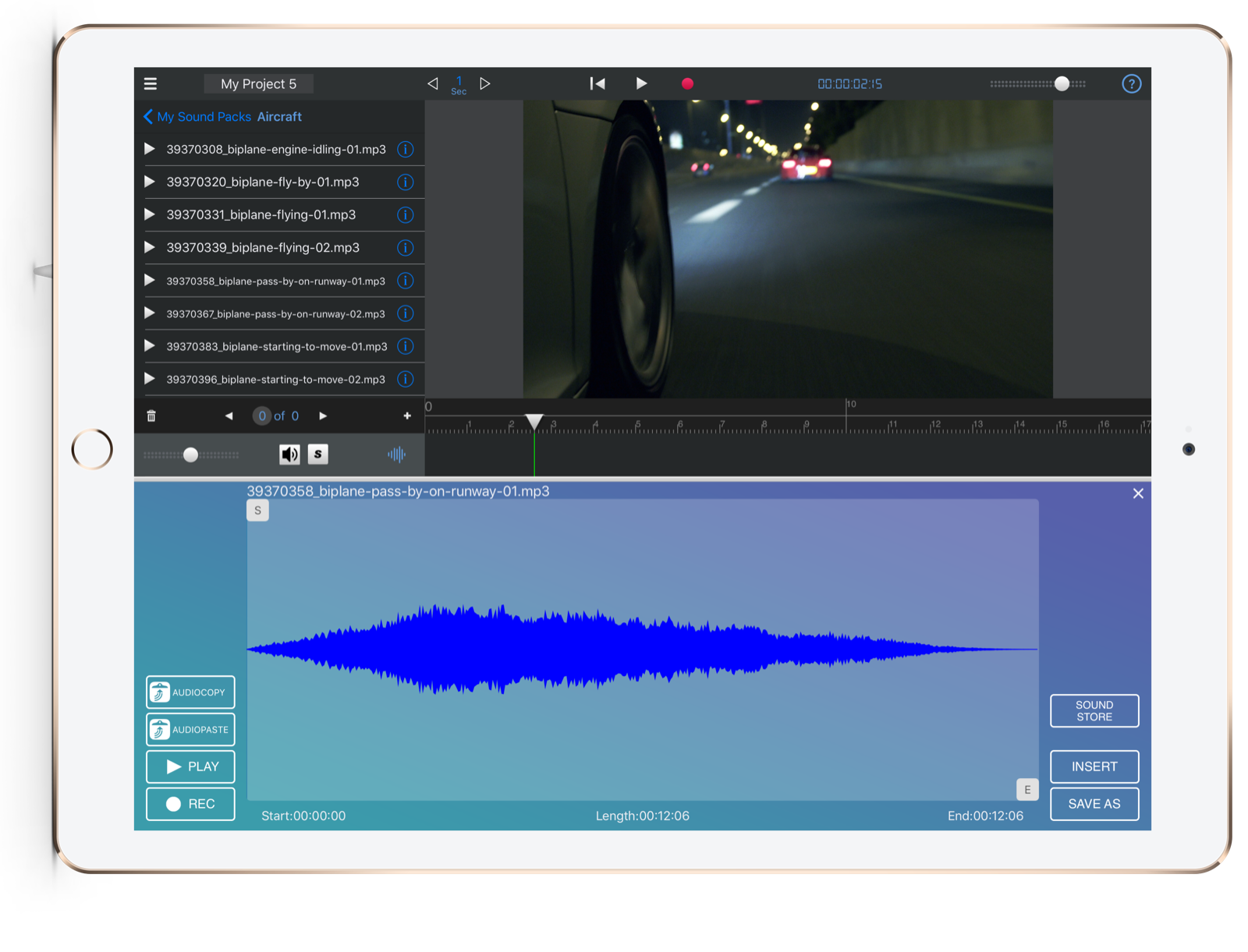
Record it. Import it. Shape it.
Record Foley on the spot or bring in your own library, then cut it to the frame.
Sound packs
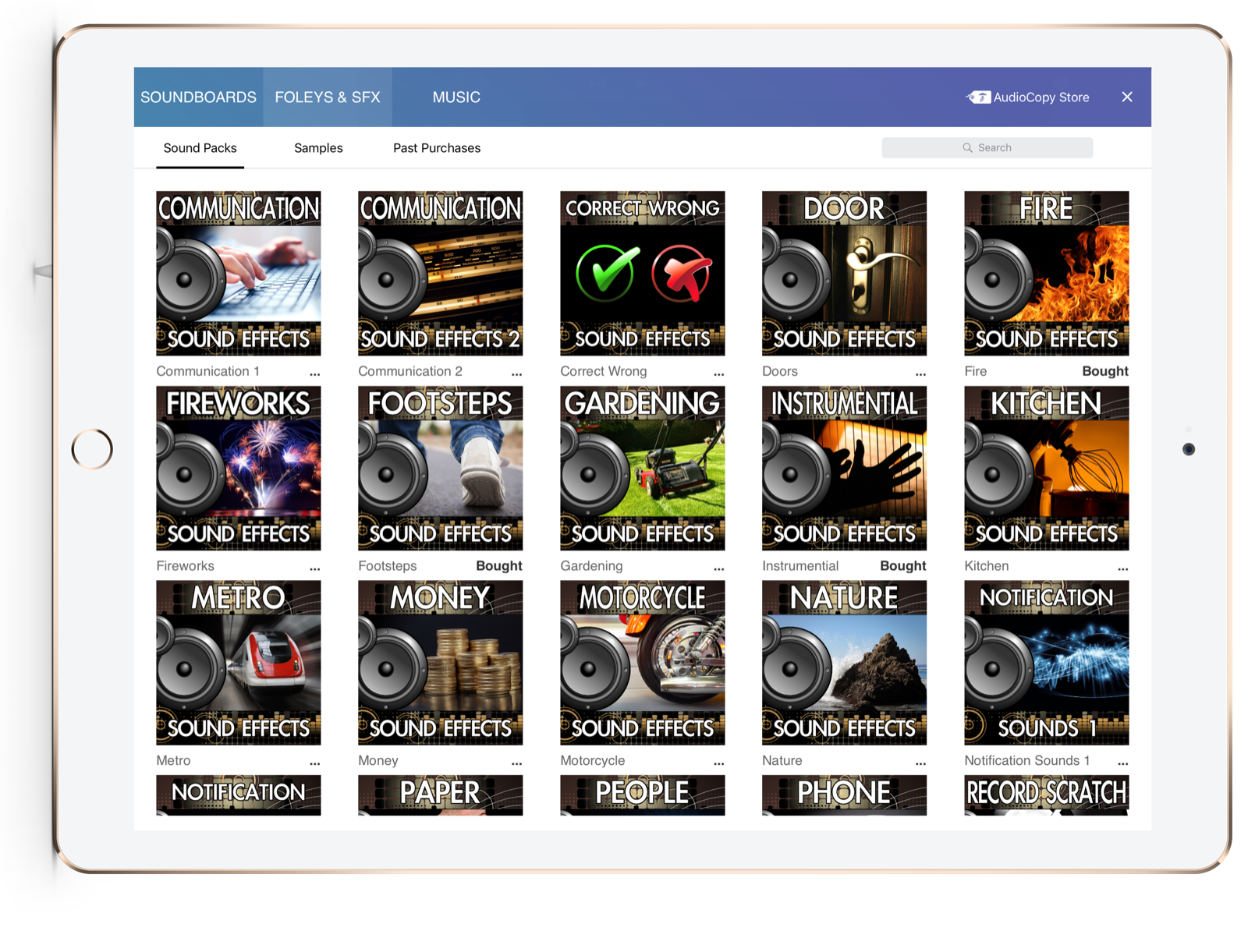
A library at your fingertips.
Footsteps, nature, vehicles and more — whenever you need them.